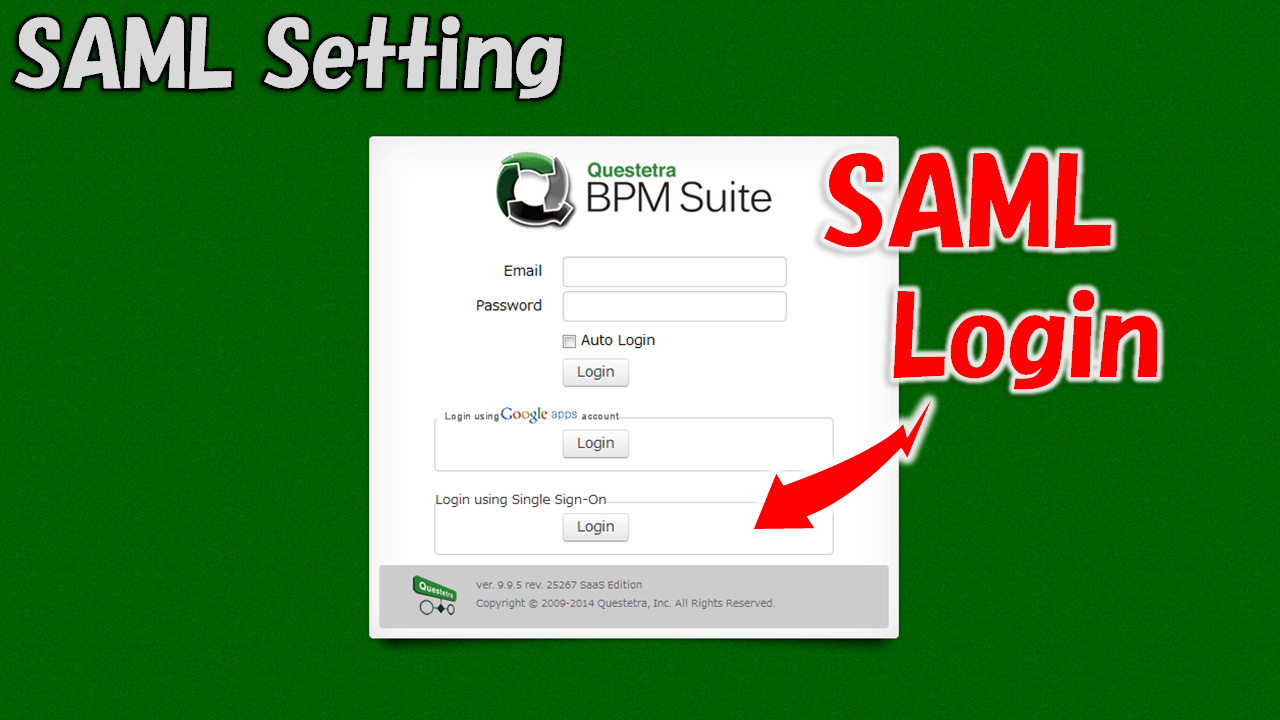
If the identification information (for authentication purposes) could be shared between systems it wouldn't be necessary to do it for each system anymore, and Users would be released from the trouble of managing multiple passwords. Questetra BPM Suite allows you to configure settings that enable users—whose identities have already been verified by external authentication services such as OneLogin, the cloud-based CRM "Salesforce.com," or Microsoft Entra ID—to log in without a password.
1. Check the Standards and Specifications
2. Configure Questetra BPM Suite and the IdP
Z1. More Info: Settings for Federation with OneLogin
Please refer to the following article for the configuration steps for SAML 2.0 single sign-on integration using OneLogin as the IdP.
Z2. More Info: Setting of Federation with Salesforce
Please refer to the following article for the configuration steps for SAML 2.0 single sign-on integration using Salesforce as the IdP.
Z3. More Info: Setting of Federation with Microsoft Entra ID
Please refer to the following article for the configuration steps for SAML 2.0 single sign-on integration using Microsoft Entra ID as the IdP.